Grass: spline grass
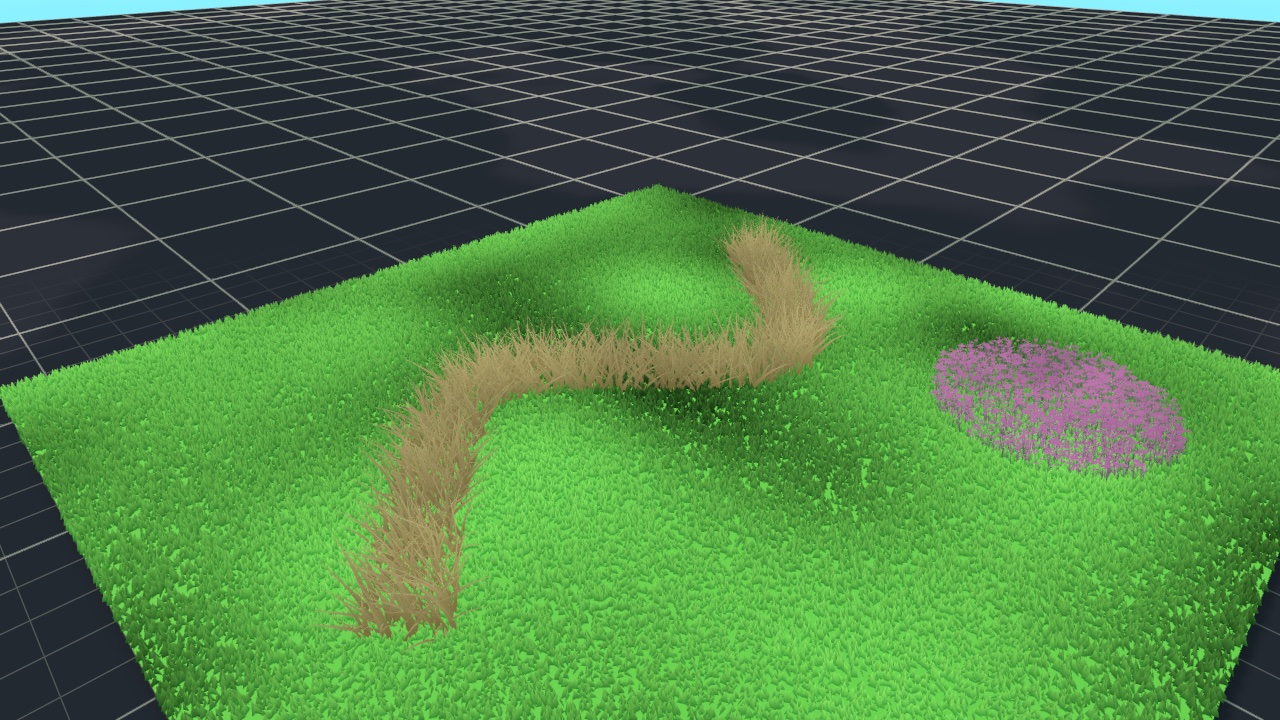
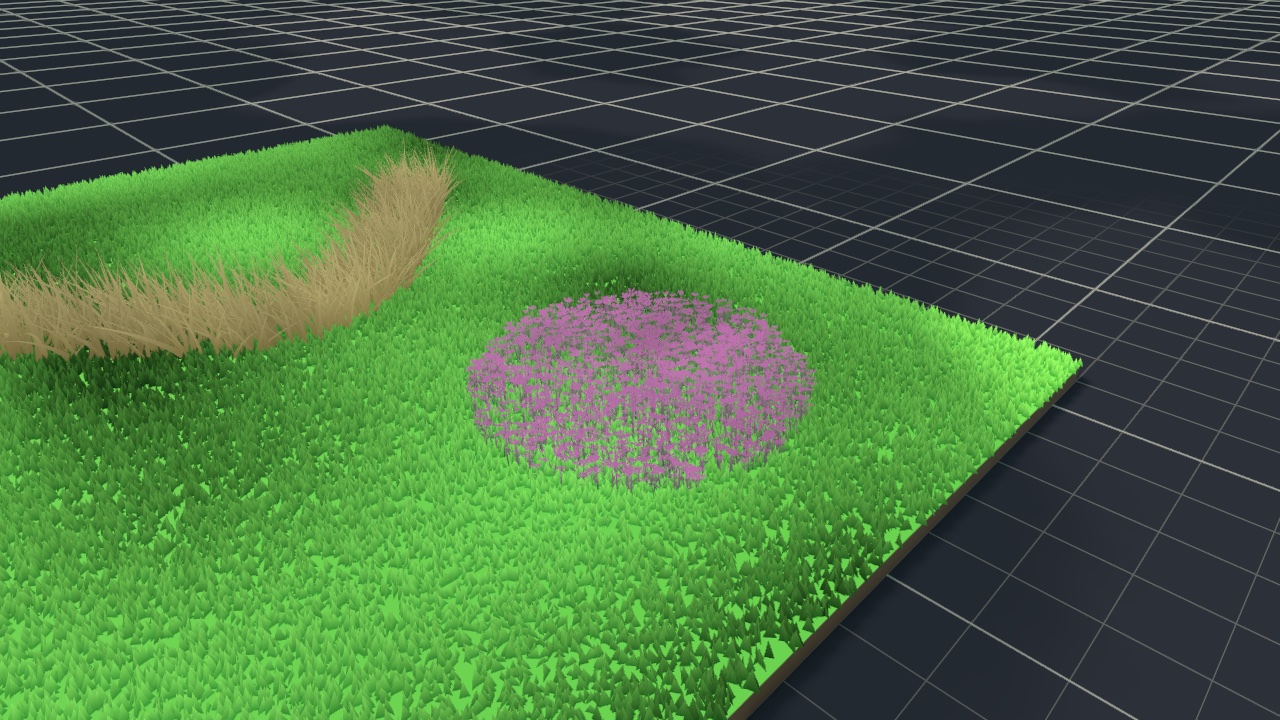
Spline grass is grass drawn along a path instead of over a mesh.
Create it with GameObject > Fable > Spline Grass, the + pill, or Add spline grass on the Grass tab. The new object:
- goes under the rig (from the menu: the rig the selected object belongs to; with nothing selected, the scene's rig; with a selection outside any rig, under the selection),
- is placed where the Scene view is looking, dropped onto whatever is below,
- holds a Spline Container seeded with a short three-knot path,
- holds a Grass Spline Surface, which builds a mesh from the spline,
- holds a Grass Instancer that scatters the default look over that mesh.
Edit the knots with Unity's spline tools in the Scene view. The surface rebuilds as you drag, and the grass with it. The generated mesh is never rendered or saved: it exists only for the grass to scatter over. Select the object to see it as a green wireframe.
The surface uses the first spline in the container, and needs at least two knots.
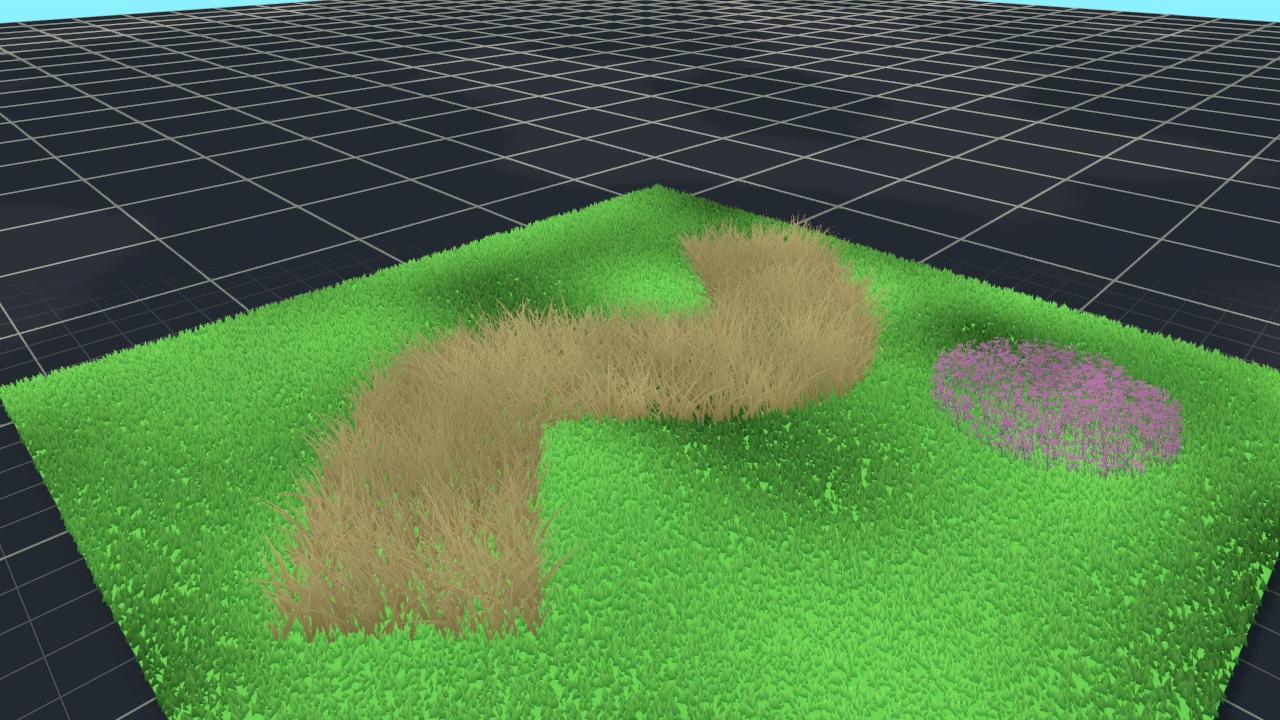
Strip lays a band of Width along the path; a closed spline gives a ring. Fill covers the area inside the loop; an open spline is closed from its last knot back to its first. A Fill outline that crosses itself cannot be triangulated cleanly: Fable logs a warning and fills the rest with a fan.
| Setting | What it does | Default |
|---|---|---|
| Mode | Strip or Fill. | Strip |
| Width | Strip width in metres, centred on the spline. | 2 |
| Vertex Spacing | Distance between generated vertices. Smaller follows the ground more closely; it costs rebuild time, not draw time. | 0.5 |
| Conform To Ground | Drop every vertex onto a collider, so the blades sit on the real terrain across the whole surface rather than on the plane between the knots. | On |
| Ground Layers | Colliders that count as ground. | A layer named Terrain if the project has one, otherwise all layers that raycasts hit by default |
| Ground Pick | When colliders stack at one spot. Nearest: the hit closest to where the spline was drawn, so a strip under a floating island lands on the terrain. Highest: the topmost hit, for floors built from overlapping meshes. | Nearest |
| Ground Search Distance | How far above and below each vertex to look for ground, in metres. | 50 |
Conforming needs colliders. Set Ground Layers to your ground's layer, or props and characters standing on the path count as ground too.
A spline surface's mesh is capped at about 200,000 vertices; past that its spacing coarsens. To rebuild by hand, use Rebuild Surface in the component's context menu.
To give a spline patch a different look, select its pill and change its Look Profile.