Unity 6 · URP · v1.0.0
Fable
Stylized grass, wind, clouds and sky for Unity. One rig, one wind: the grass sways, the clouds drift and the sky turns on the same clock.
Start here
STEP 1
Install and Fable Setup
Install the package. Fable Setup checks your project and adds a rig in one click.
STEP 2
Quick start
Grass on your own ground, clouds over your level, presets you can edit: five minutes.
STEP 3
Core Demos
One small room per module, with steps to click through and live controls.
Modules
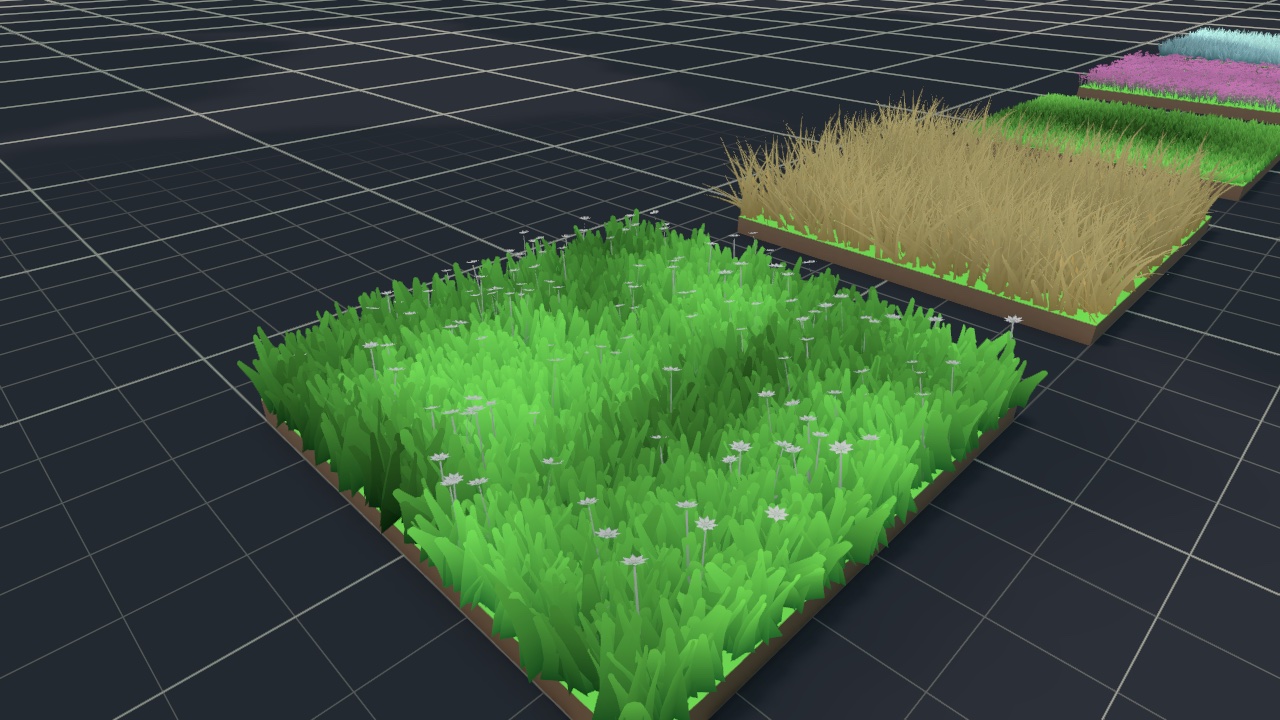 Grass
GPU-instanced blades over any mesh, with twelve looks to start from.
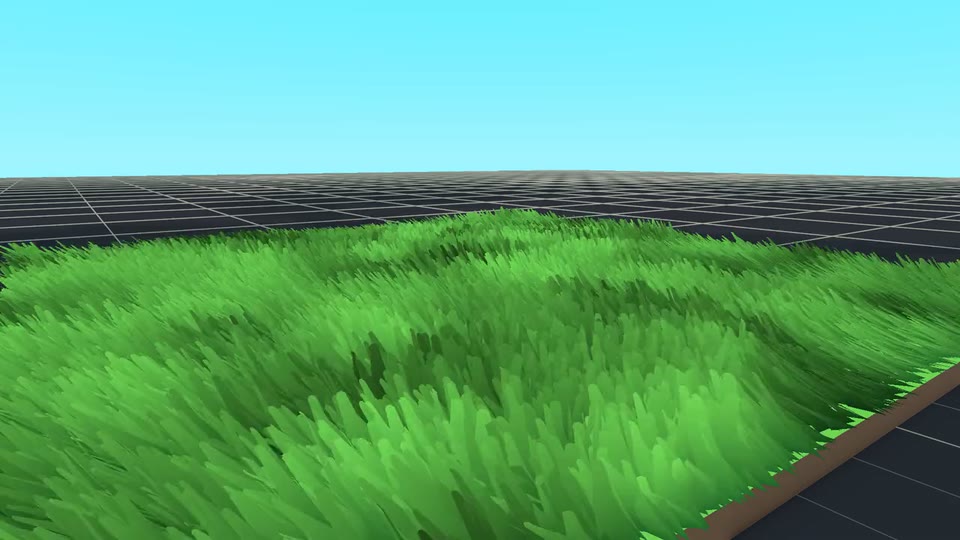 Wind
One breeze and gust field that grass, clouds and your shaders follow.
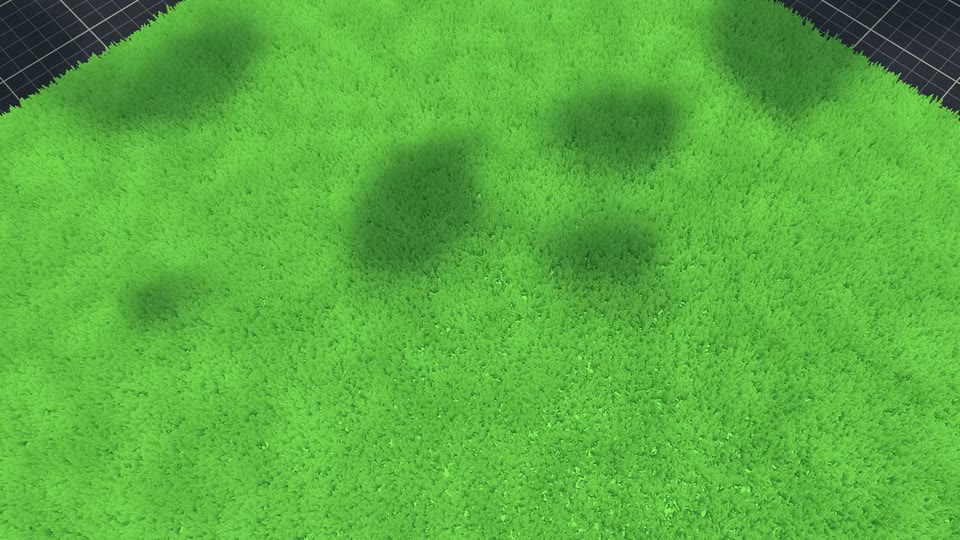 Clouds
Drifting cloud shadows through the sun, at no geometry or shadow cost.
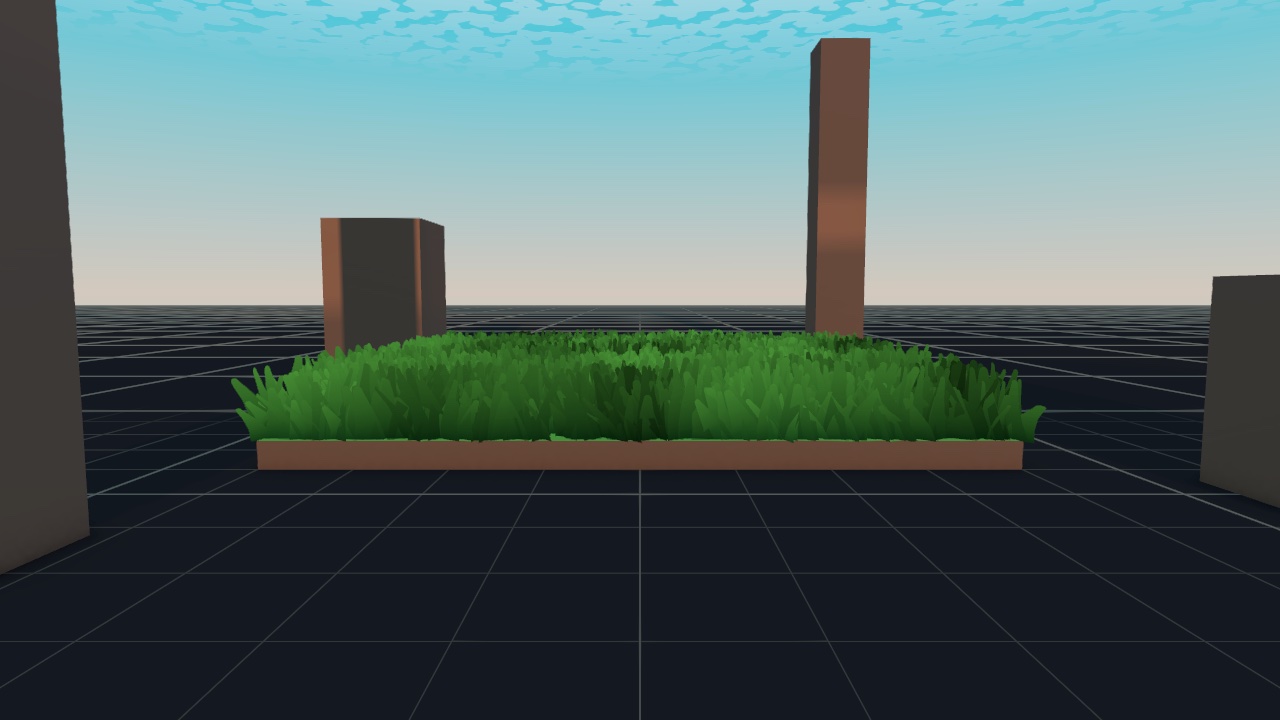 Sky
Gradient sky, sun, moon and stars on a day/night cycle that lights the scene.
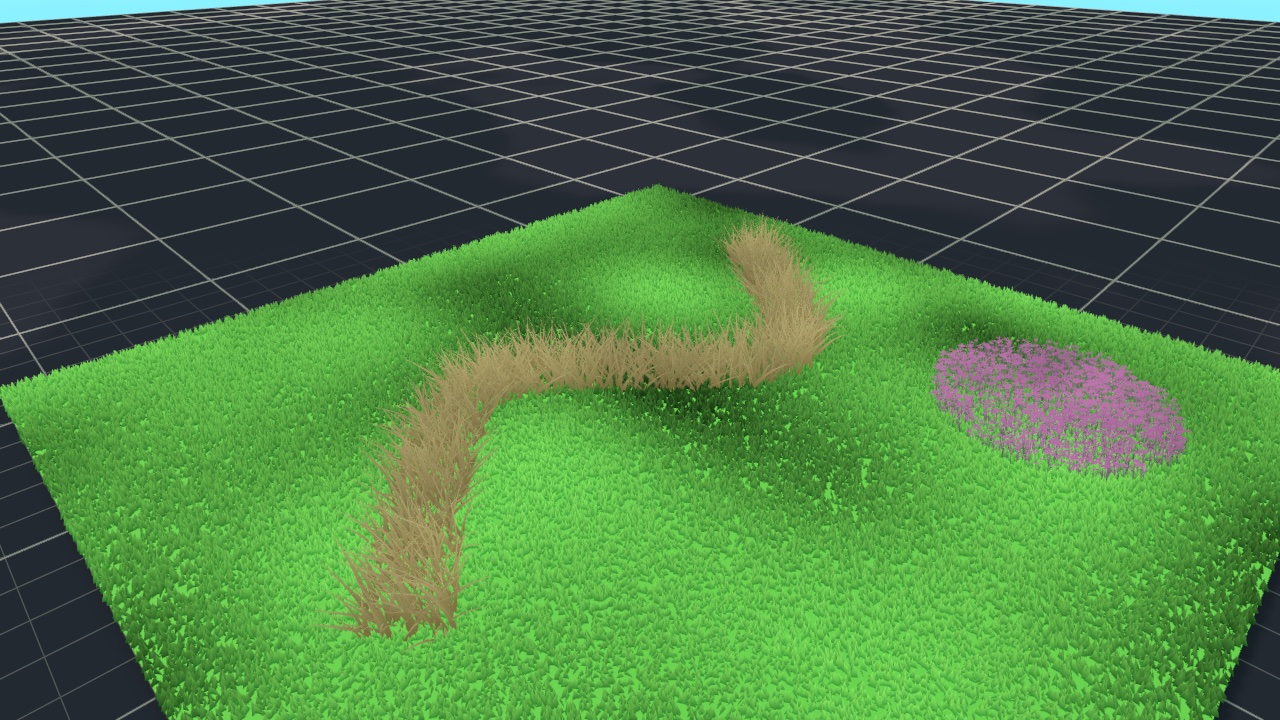 Spline grass
Draw grass along a path, or fill a closed shape like a flower bed.
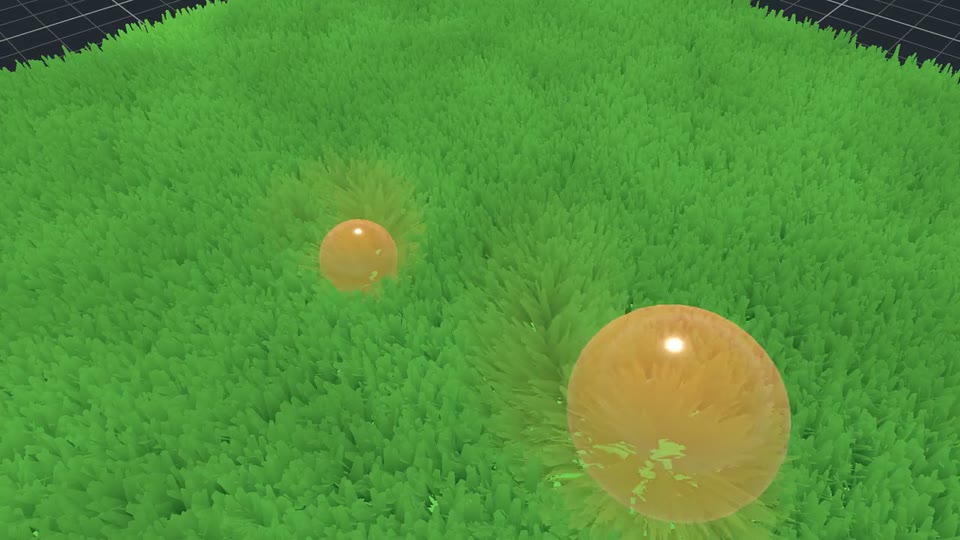 Interaction
Objects push the blades aside and leave a trampled wake behind them.
How it fits together
You add one Fable rig to a scene. It hosts the four modules, and they share one config and one wind field:
- Wind pushes one settings asset to global shader values every frame. The grass sways with it, the clouds drift with it, and your own shaders can read it too.
- Sky runs a time-of-day cycle. The same clock drives the sun light, the scene's ambient light, optionally the fog, and cross-fades post-processing Volumes through dusk into night.
- Clouds feeds a generated shadow mask to the sun as a light cookie, so every lit surface picks the shadows up. The sky draws the same clouds overhead, each one above its shadow.
- Grass scatters blades over meshes or along splines, with gusts, interaction, camera splay, distance fade and optional colour blending with the ground beneath.
Settings live in ScriptableObject assets ("presets"), so one look can be shared by many scenes. The package ships a default preset for every module, plus a library of twelve grass looks.